Side Navigation Menu Update
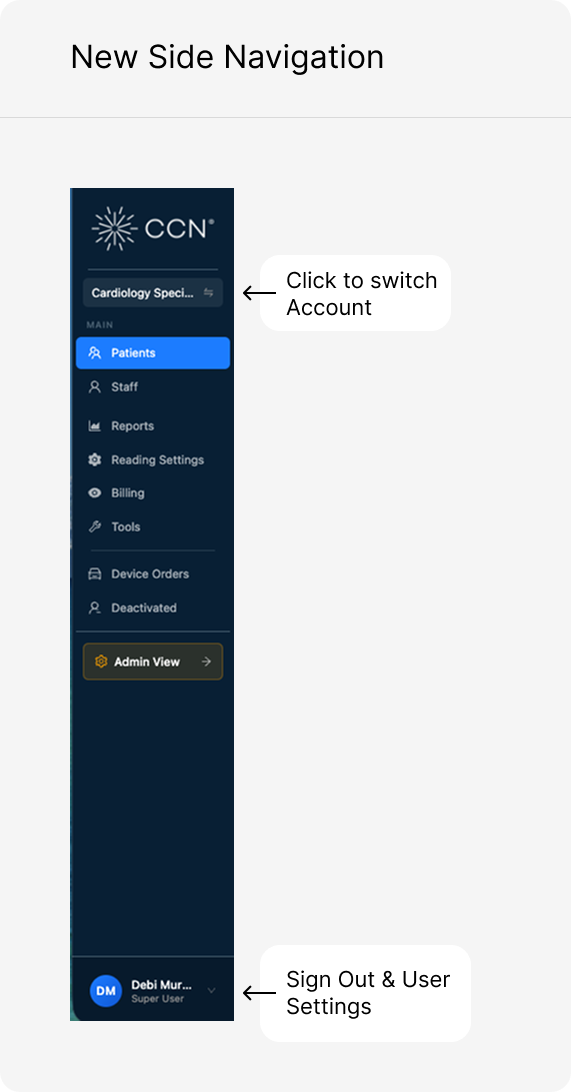
We’ve updated our side navigation menu to be more efficient with space!
The 2 changes are:
- You can switch accounts by clicking on the account name.
- The logout and user settings are now located at the bottom of the side navigation and can be accessed by clicking on the staff name, which opens the logout menu and user settings.